
Skip to content

Cart

Your cart is empty

Continue shopping

How do I sign up at Aduro Cloud?
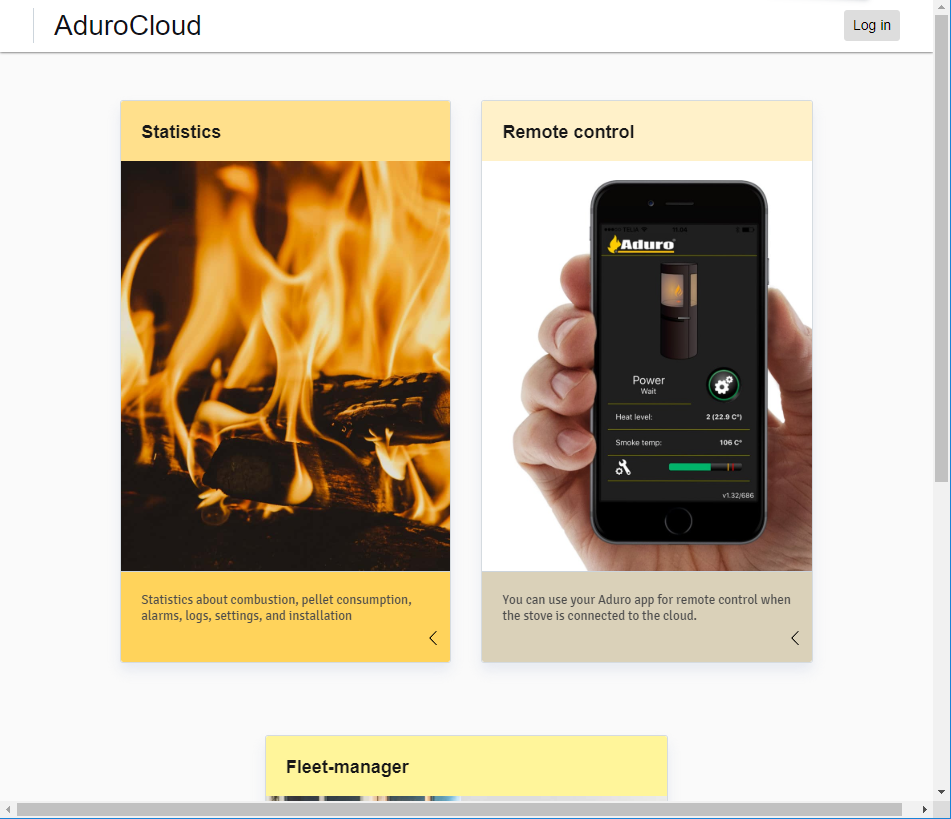
By registering Aduro Hybrid on Aduro Cloud, you will get direct access to your stove’s data: what it does, how it burns, as well as the option to adjust the stove's settings.

Signing up

  • Open one of the following browsers: Microsoft Edge, Firefox or Chrome and go to adurocloud.com.
  • Picture 1 below shows the landing page when not signed in.
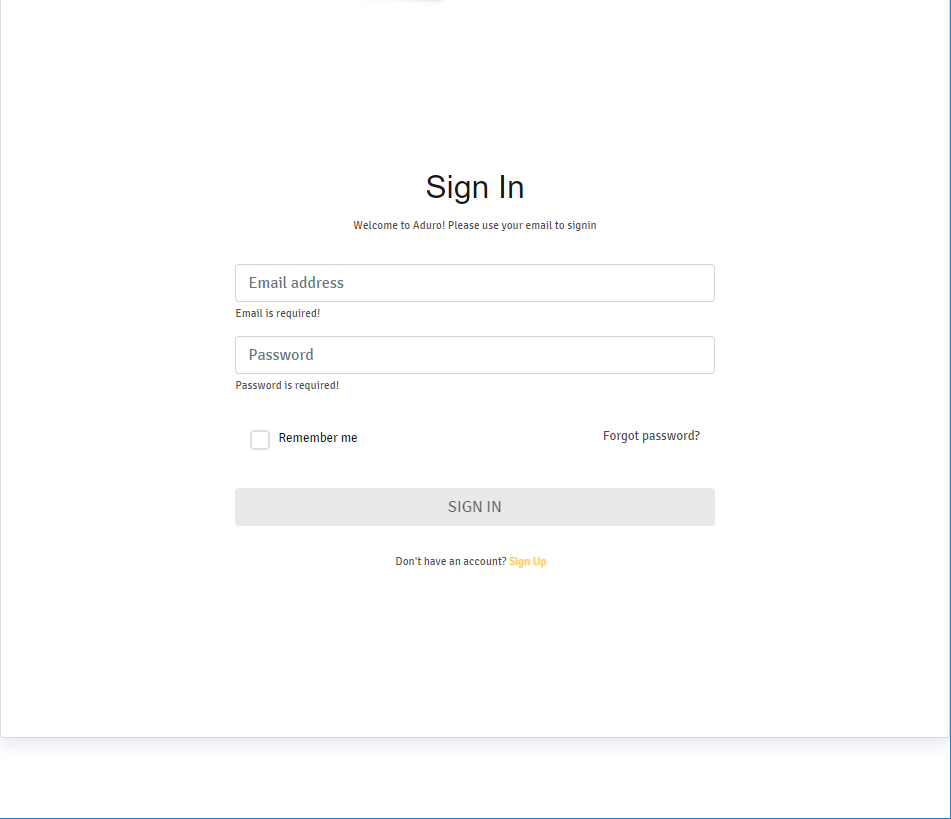
  • Clicking “Log in” on the landing page brings you to the sign in page. Enter your login details or click on sign-up if you are not a user yet (see picture 2).
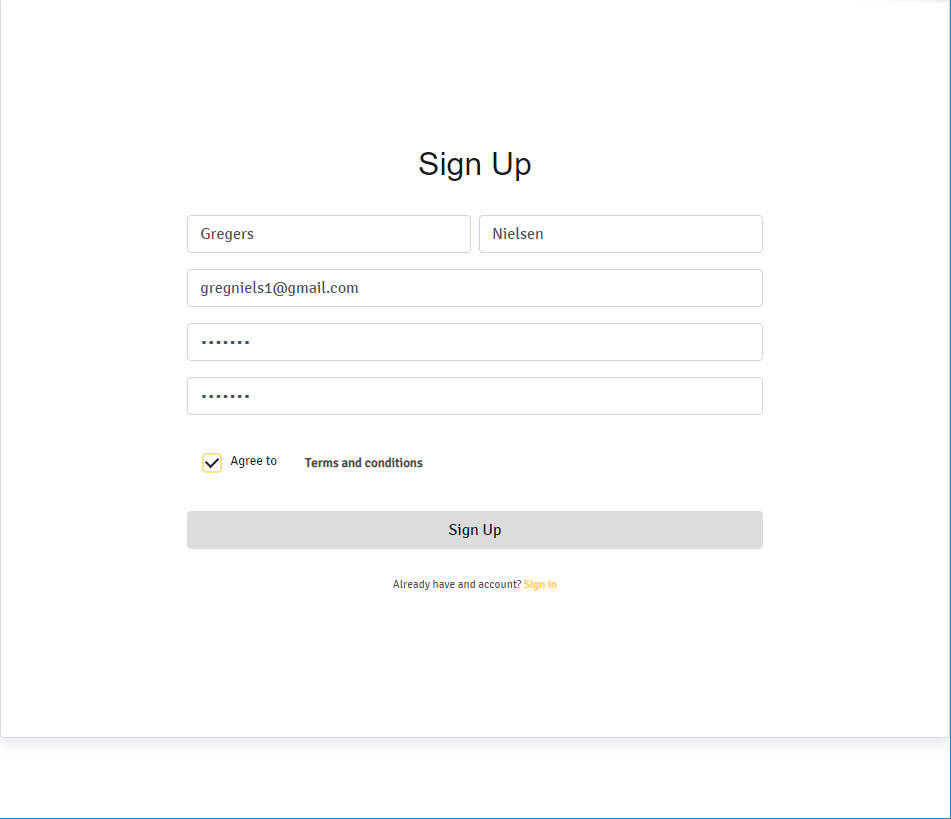
  • When signing up enter your details and click on agree to the terms and conditions (see picture 3).
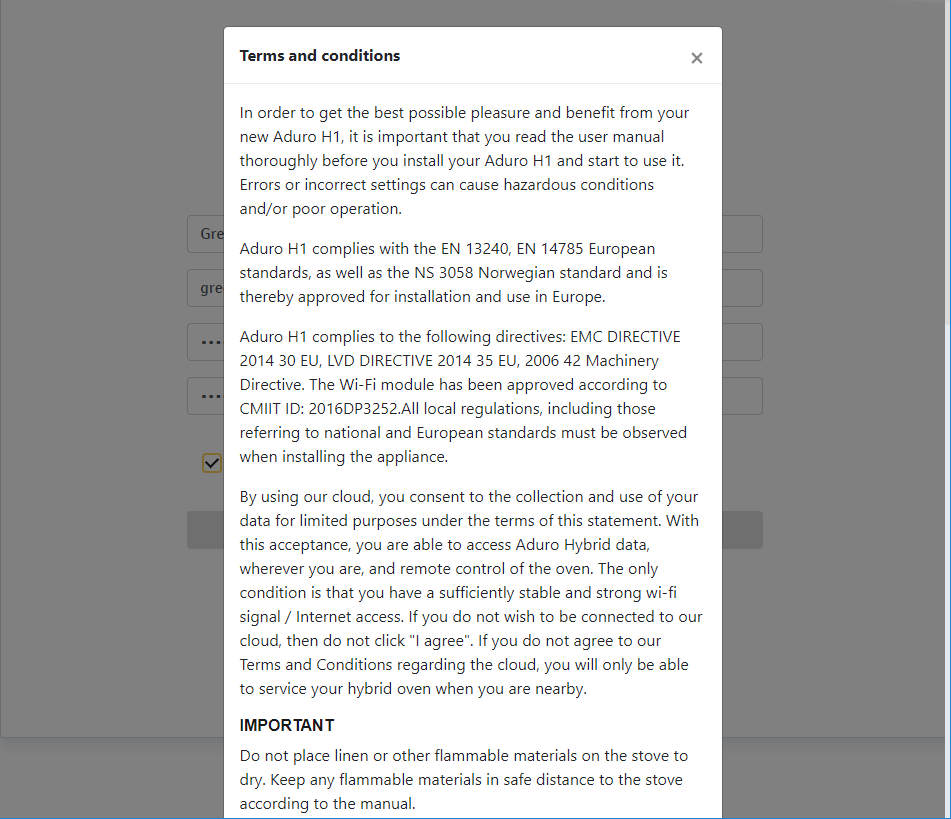
  • Remember to read the terms and conditions. When signing up and accepting the terms and conditions you will be able assign a service partner who can help troubleshooting and supporting you and your product (see picture 4).

Picture 1

Picture 2

Picture 3

Picture 4
Adding your stove to your dashboard

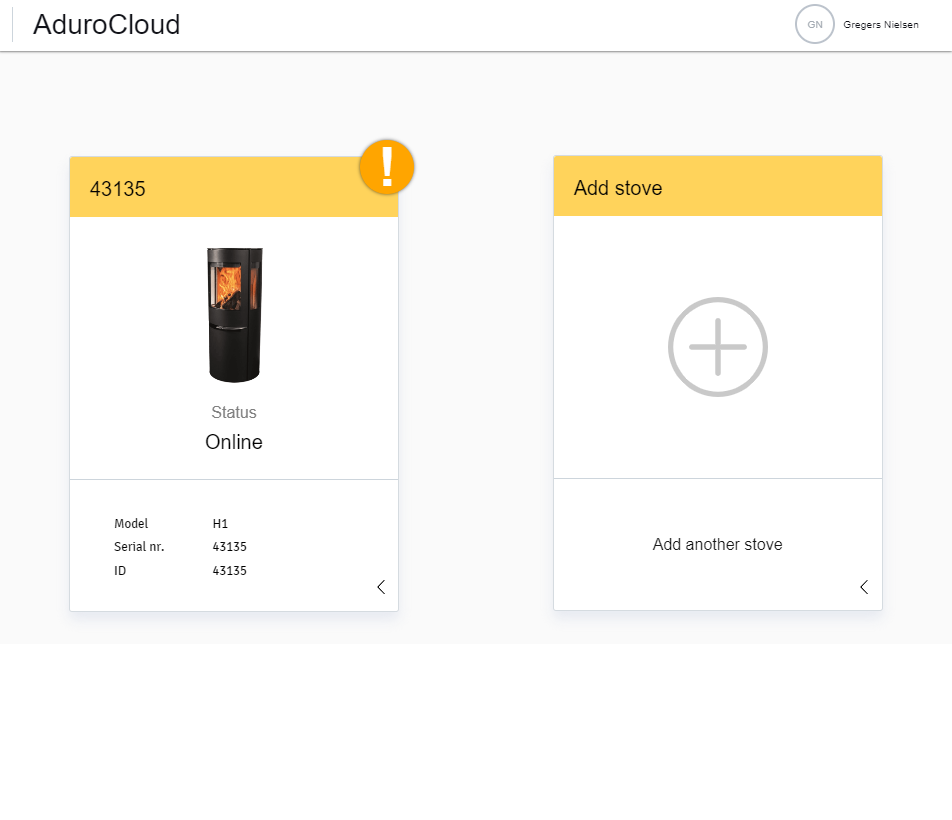
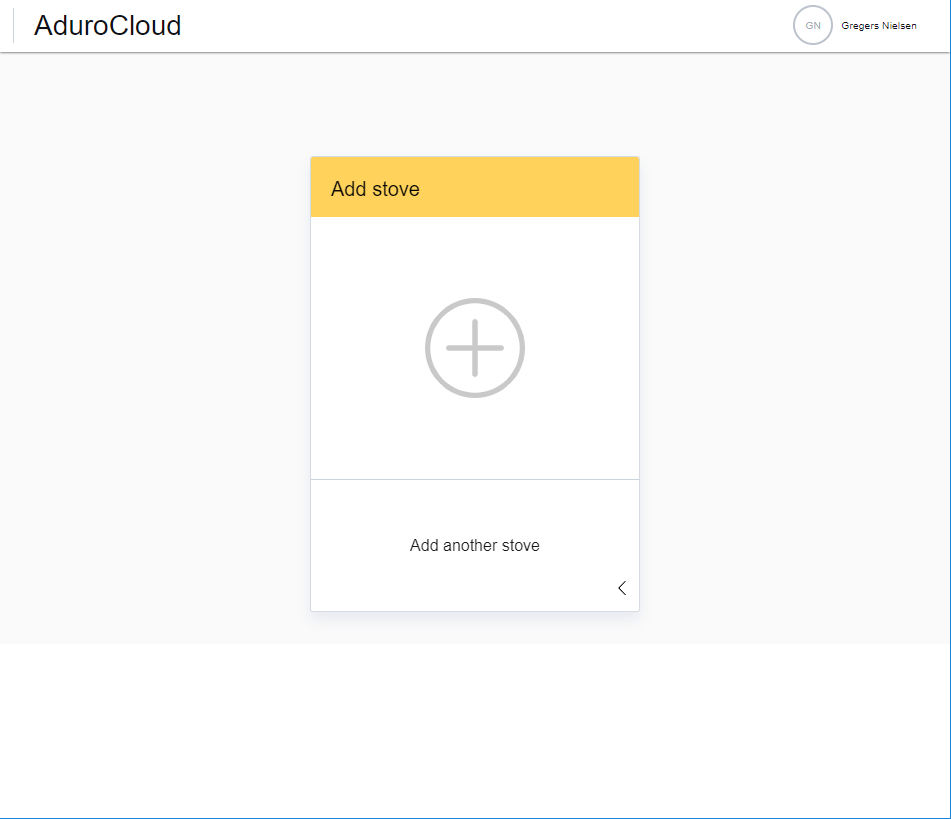
  • After signup, you can sign in. The picture below shows an empty dashboard when logging in as a user the first time (see picture 5).
  • Clicking anywhere beneath the orange headline of “Add stove” will bring you to the “Stove credentials” (see picture 6).
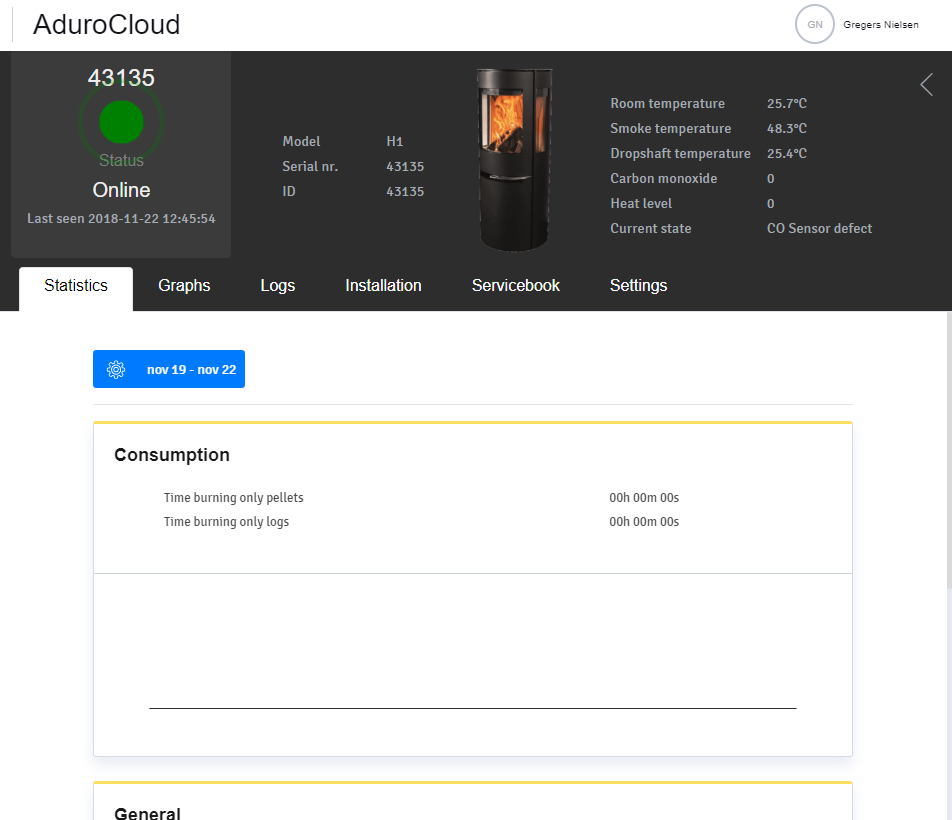
  • Clicking on a stove on the dashboard will navigate you to the details page (see picture 7).

Picture 5

Picture 6

Picture 7

Assigning a partner to the stove

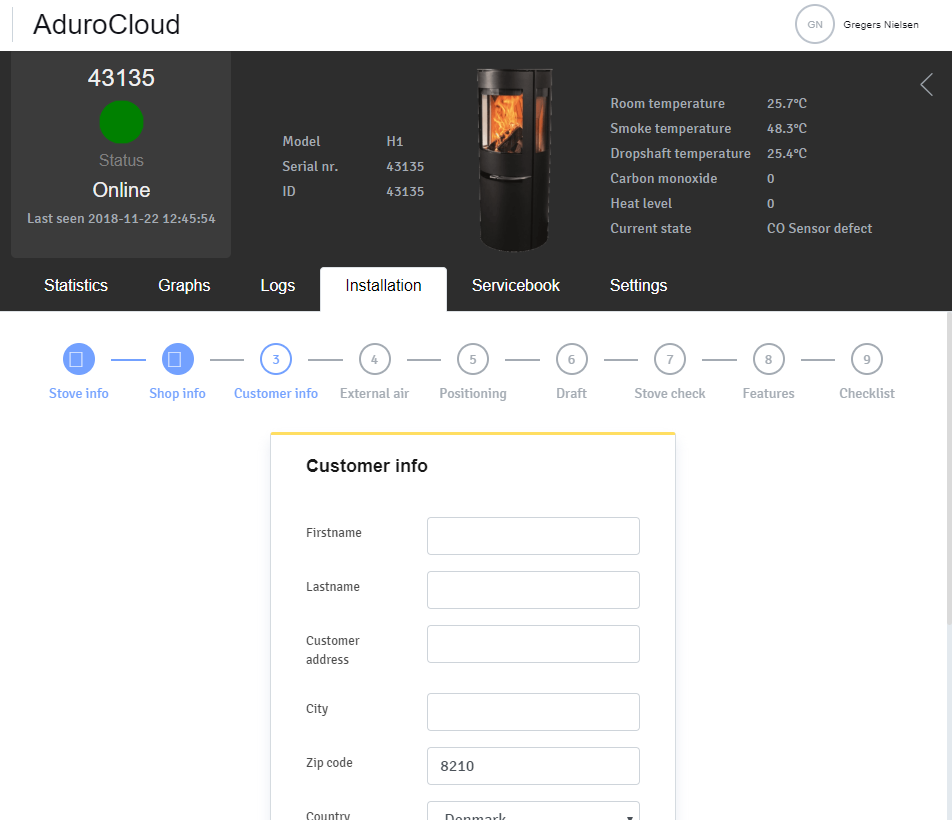
  • Select the Installation tab and click on circle 3 “Customer info” (see picture 8).
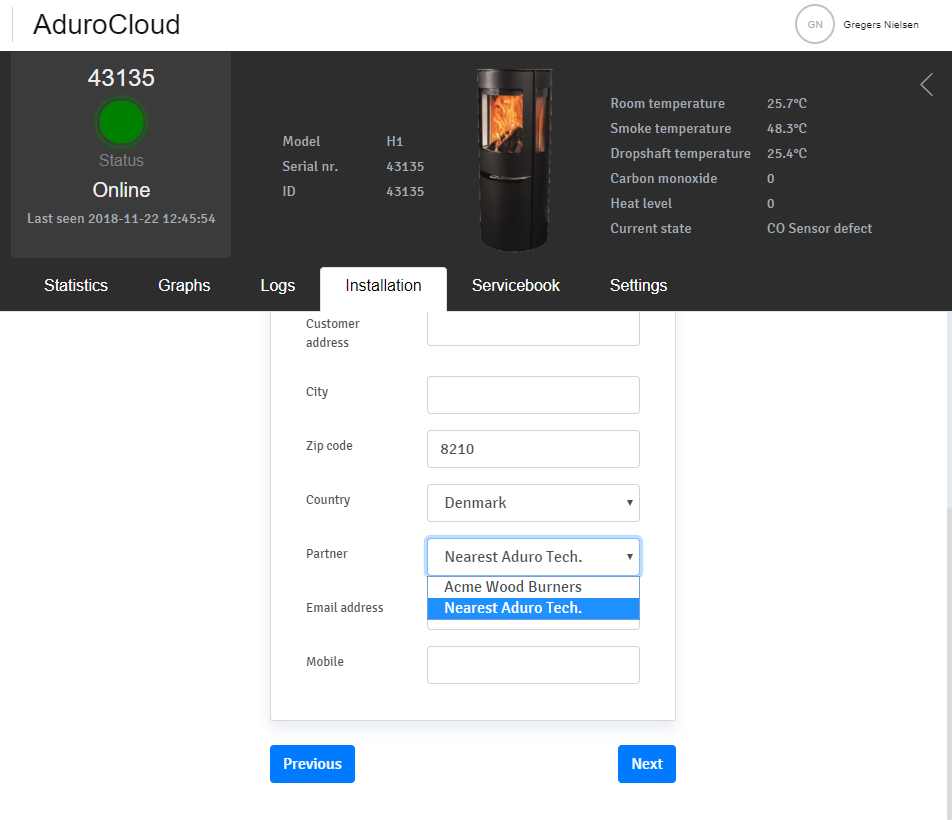
  • Enter zip code, country and select a specific technician/partner or let the cloud service select one automatically by choosing “Nearest Aduro Tech". From now on, the selected partner will be able to see this stove in their fleet manager (see picture 9).

Picture 8

Picture 9

Did you not find, what you were searching for?

Buy spare parts for your stove

Buy spare parts

Submit claim

Fill in claim form

Compare models

You can compare up to 3 products at a time

Compare