Skip to content

Cart

Your cart is empty

Continue shopping

How do I replace my Aduro-tronic automatic?

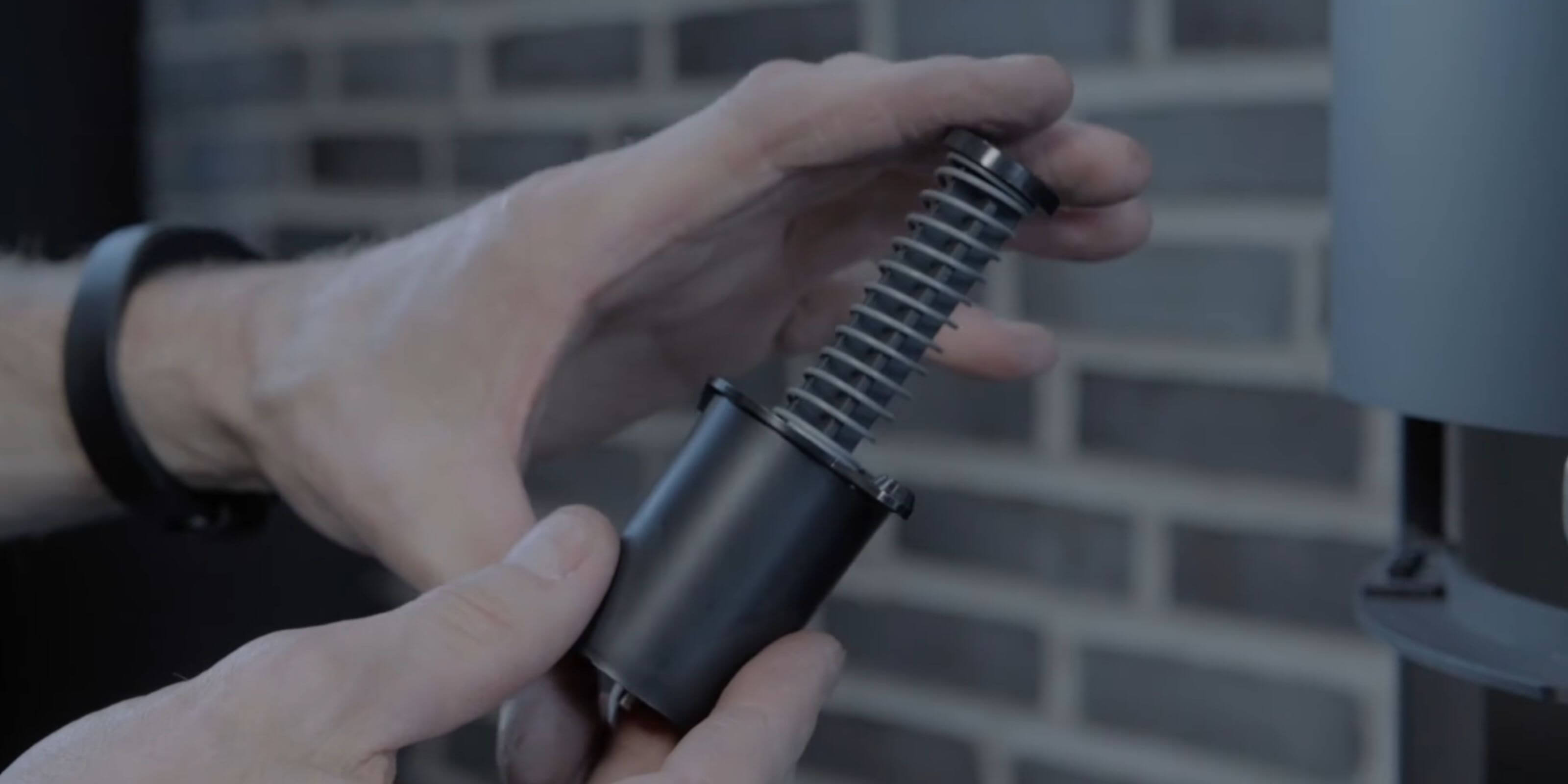
If the Aduro-tronic cartridge is defect, you can replace it yourself. However, the procedure differs depending on whether you have a black or white Aduro-tronic cartridge.

PLEASE NOTICE: All changes/adjustments/tests must be conducted, when the stove is cold.

White cartridge

  • If the wood burning stove has a drawer, remove it by clicking the drawer off its runners. Lift the black pal on the slide on the one side and press down on the other side. The drawer can now be removed.
  • The cartridge is removed by taking off the brass nut at the end of the cartridge (10 mm nut). 
  • The new cartridge is to be put in place and the brass nut is attached and tightened (to be able to tighten the nut completely, use pointed pliers to brace the bar in the middle of the cartridge).

Black cartridge

  • If the wood burning stove has a drawer, remove it by clicking the drawer off its runners. Lift the black pal on the slide on the one side and press down on the other side. The drawer can now be removed.
  • The cartridge is removed by taking off the two screws in the middle.
  • The cartridge can now be removed without using tools.
  • The new cartridge is to be put in place and the screws are attached and tightened.

How to replace Aduro-tronic on wood burning stoves from the Aduro 9 series:

How to replace Aduro-tronic on wood burning stoves from the Aduro 15 series:

Did you not find, what you were searching for?

Buy spare parts for your stove

Buy spare parts

Submit claim

Fill in claim form

Compare models

You can compare up to 3 products at a time

Compare