
Skip to content

Cart

Your cart is empty

Continue shopping

How do I install the Aduro Air Booster?
Difficulty level: Easy
Time consumption: 20 minutes
Components: 1 120 mm fan and 4 M4x60 screws

To obtain a better air flow in your Aduro Hybrid stove, you can install an Aduro Air Booster which is a supplementary fan for the stove. Please follow this guideline to install the Air Booster. 

IMPORTANT! All changes and adjustments must be conducted when the stove is cold and disconnected from the power supply.

1. Remove the backplate of the stove by unscrewing the 2 screws on each side of the backplate.
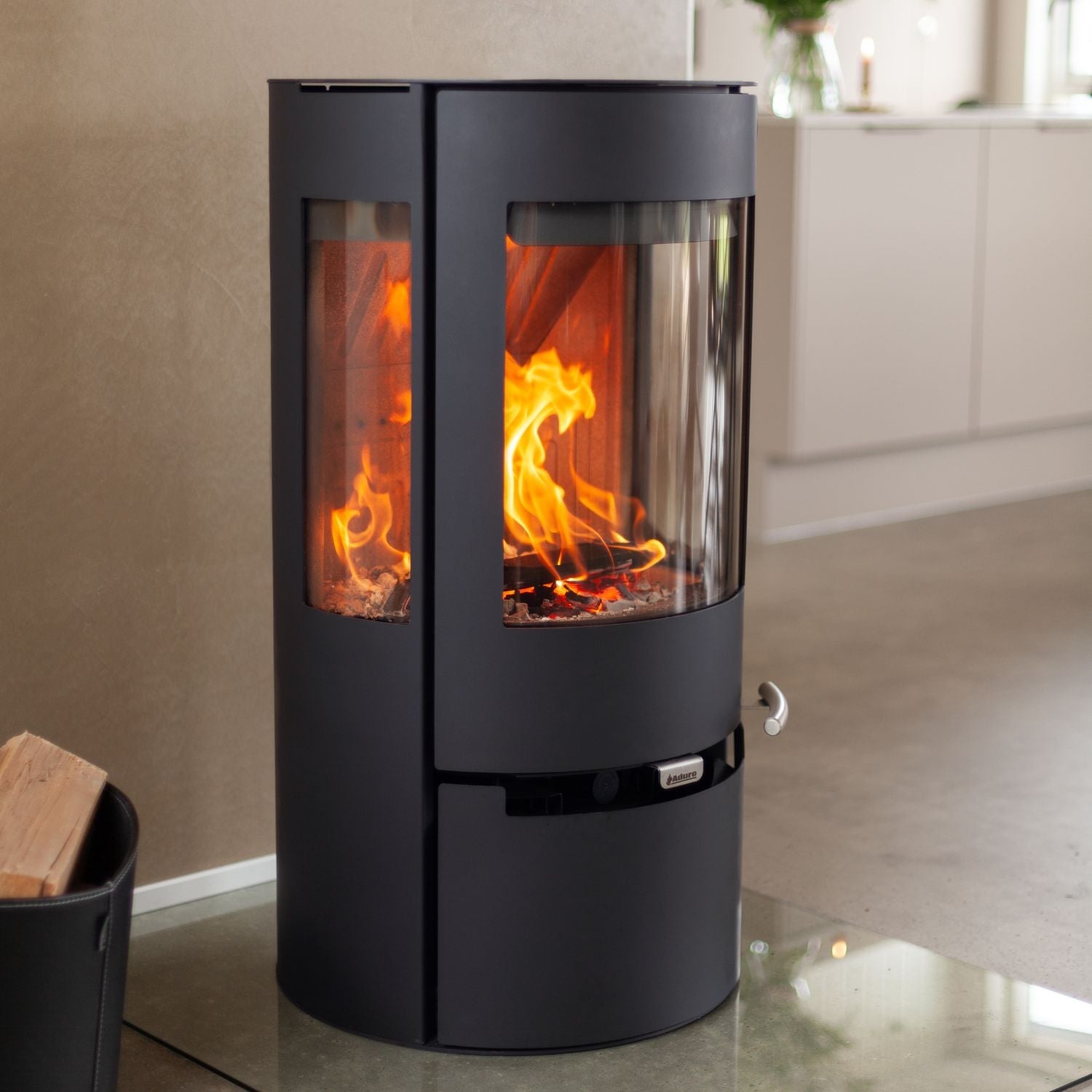
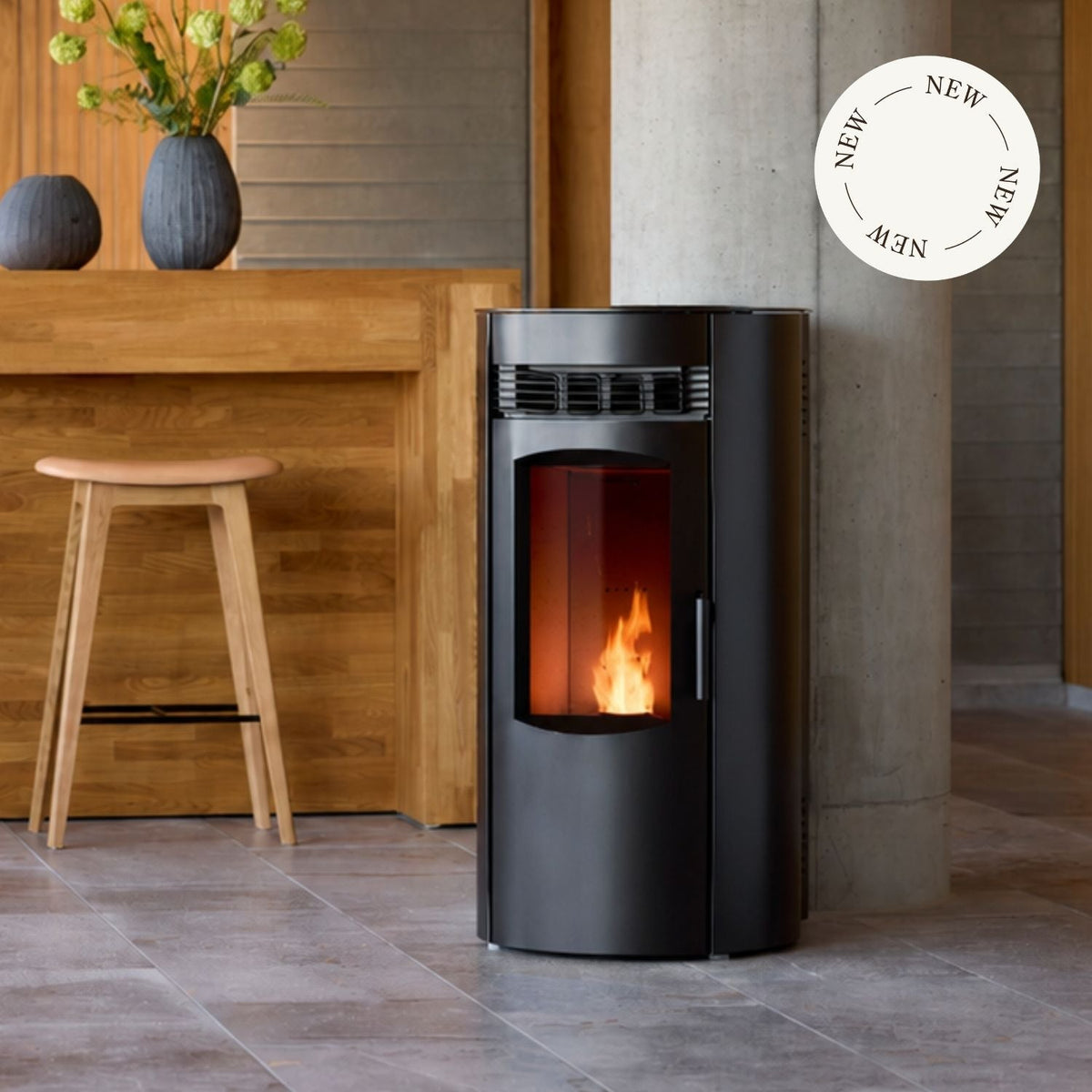
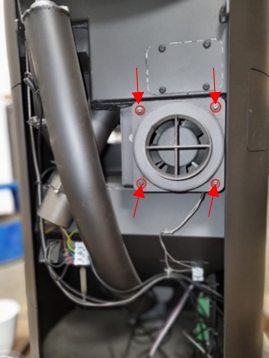
2. Unscrew the 4 screws on the air duct to locate the fan. See picture 1.
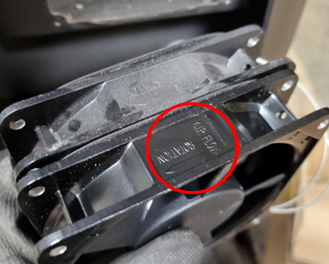
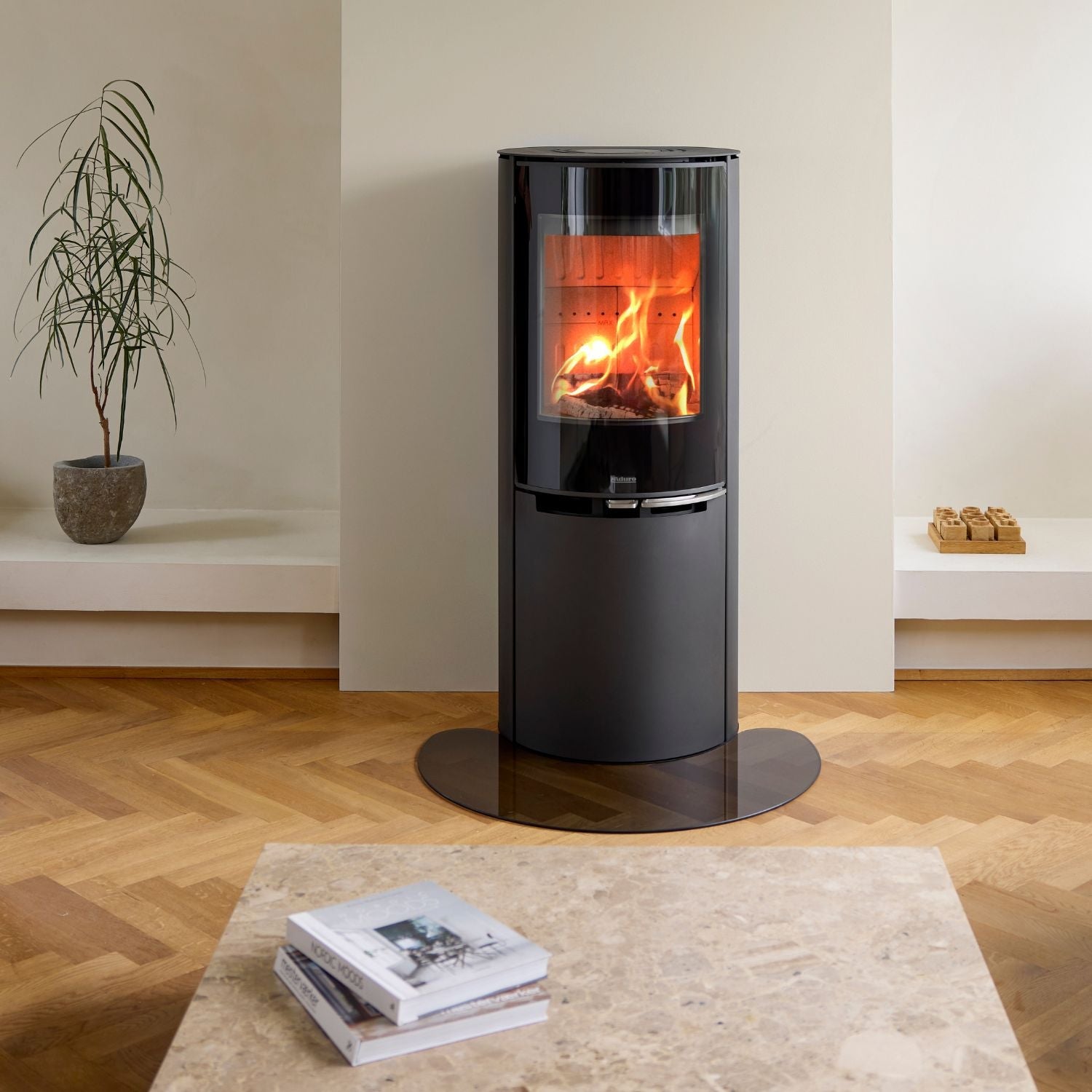
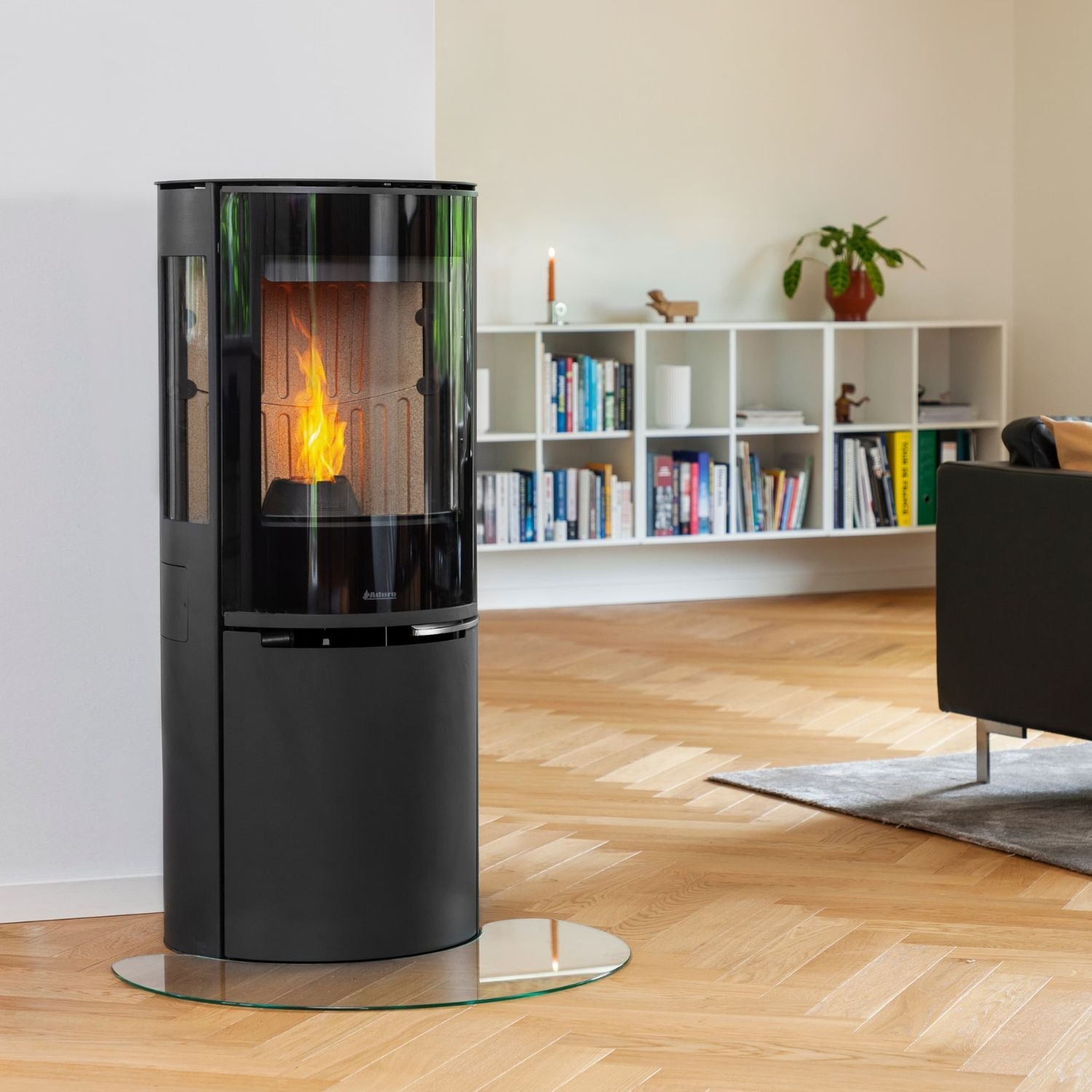
3. Place the Air Booster behind the stove’s current fan and make sure that the air flow indicator arrows are pointing in the same direction and towards the middle of the stove. See picture 2.

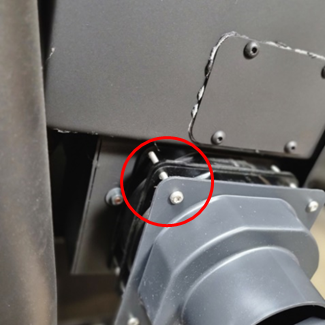
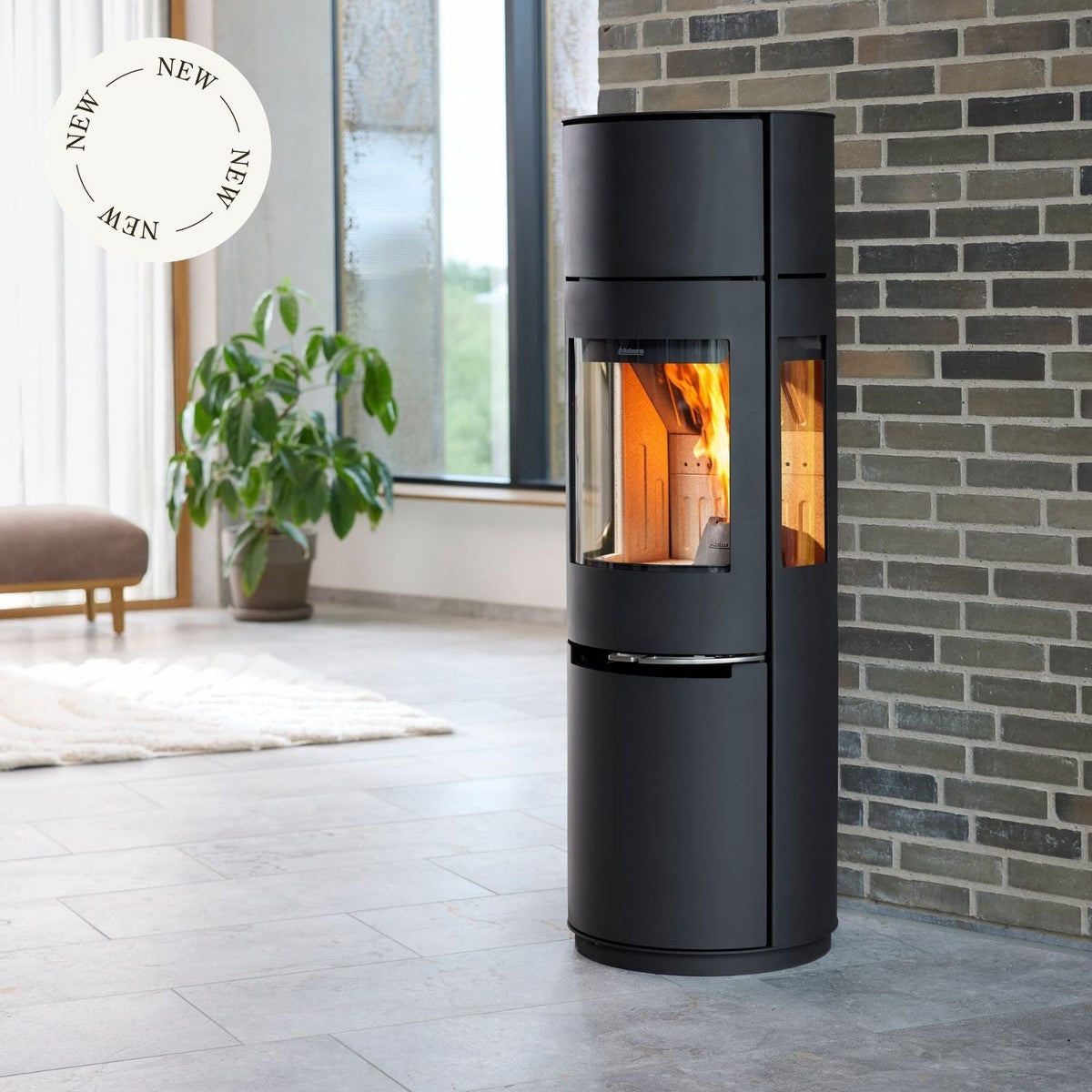
4. Mount the two fans and the air duct with the screws included in the package from the Air Booster. See picture 3.
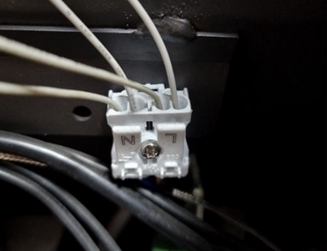
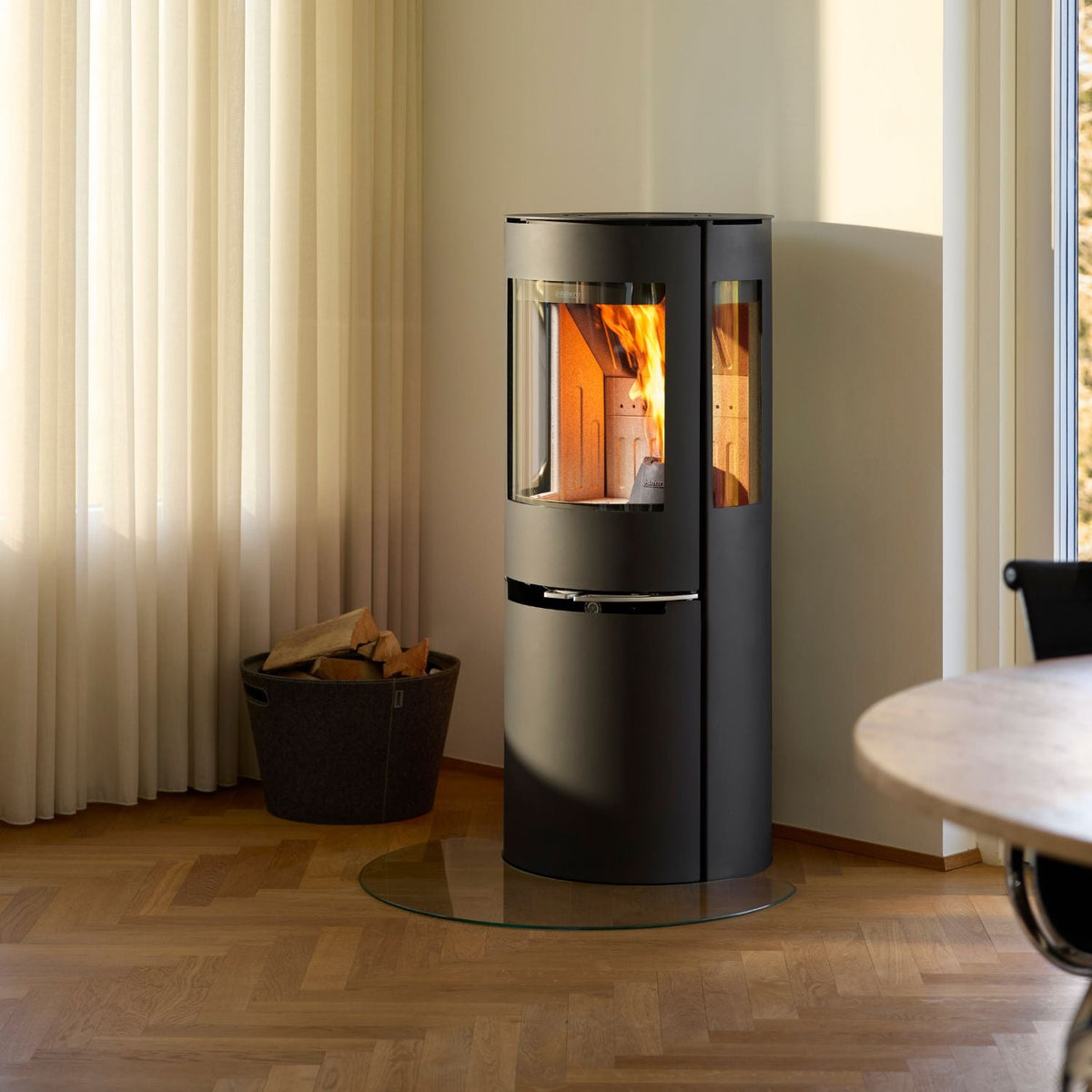
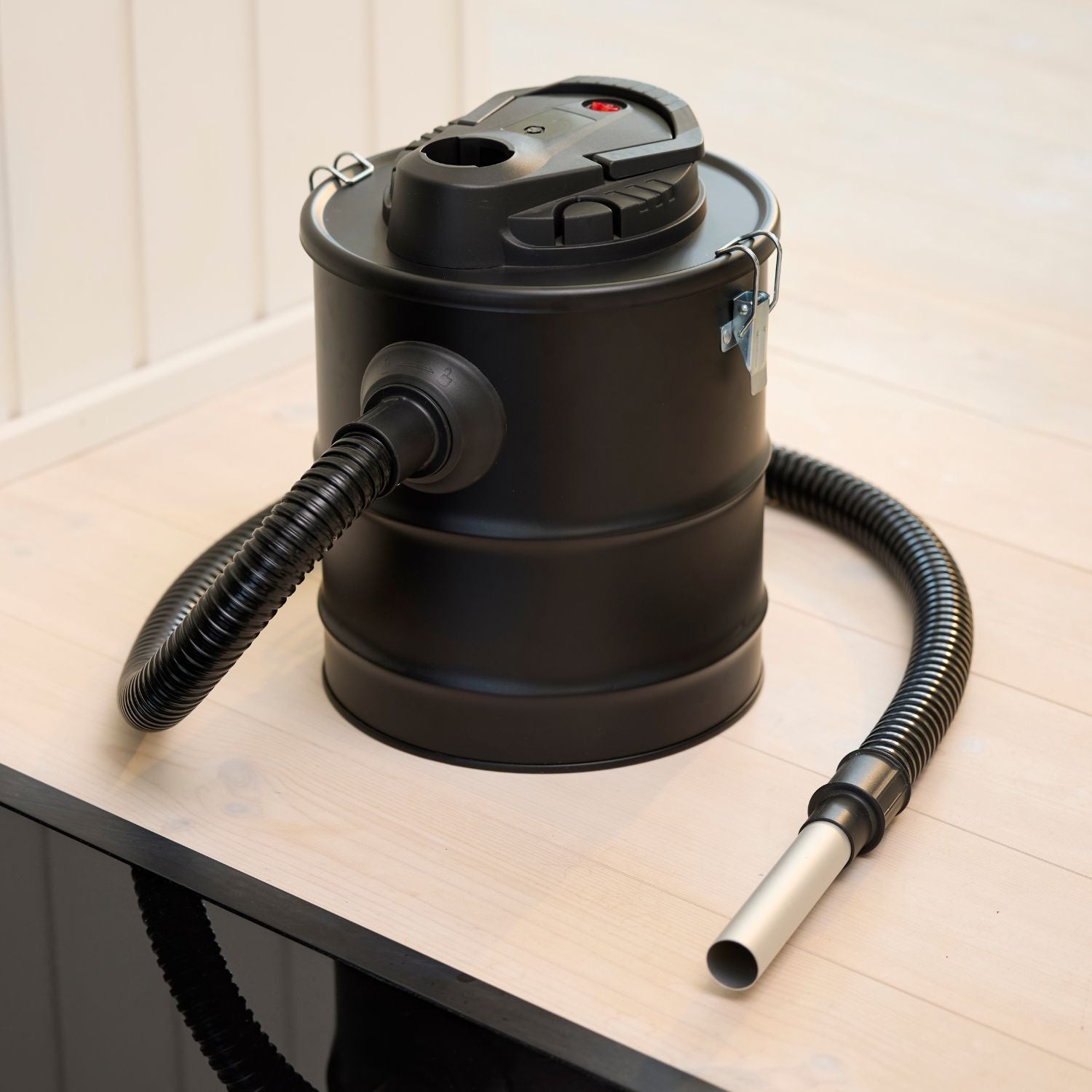
5. Connect the Air Booster to the two free slots in the white electric socket for the fans, one in each slot marked N and L. See picture 4. To make sure the connection is tight, you can gently pull the cables. 
6. Remount the backplate. You have now installed the Air Booster successfully. 

Picture 1

Picture 2

Image 3

Image 4

Did you not find, what you were searching for?

Buy spare parts for your stove

Buy spare parts

Submit claim

Fill in claim form

Compare models

You can compare up to 3 products at a time

Compare